Features
Create Image
Generate AI Images
Edit Image
Seamless alterations
Upscale
Enhance the details
Background Removal
Remove bg instantly
Face Fix
Restore & enhance faces
AI Clothes Changer
TryOn Outfits Instantly
Blend Images
Merge images seamlessly
Cinematic Angles
9 shots from 1 image
Style Transfer
Apply artistic styles
Image Resizer
Crop to any aspect ratio
A little surreal. A little cinematic. Entirely yours to imagine.
Bring the bold, cinematic look of GTA to your photos. Browse every GTA-inspired effect and try it with your own image.
Try nowSeedance 2.5Create videosCreate high quality videos instantly.
Remove backgroundPut the focus on your subject
UpscaleBring out the detail
Face fixRefine your portraits
Style transferSee it in a new stylePick a preset, explore its prompt, and create with your own image.
Loading image effects...
Camera moves, surreal transformations, and a new direction for your next video.
Loading video presets...
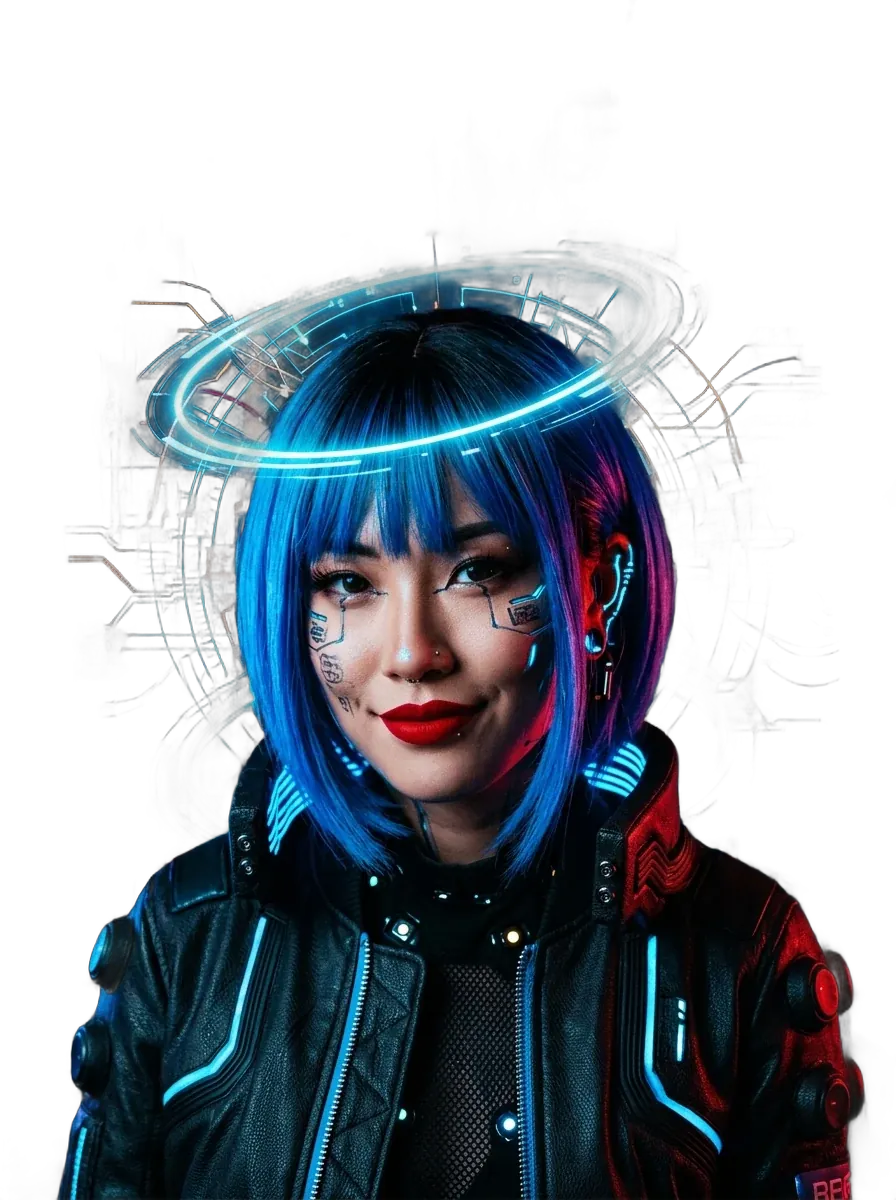
Diamond, lace, ice and warrior angels, dark ones and golden ones. Upload a selfie and get feathered wings, a celestial glow and a fully styled angel look in seconds.


Create images, bring photos to life, and make something only you could imagine.
Explore plans and creditsGive your ideas motion, atmosphere, and a point of view. Start with a scene. See where it takes you.
Explore Seedance creations, then bring your own ideas to life. How Seedance 2.5 works
Find a look you love, then bring your own direction to the image workspace.
Explore imaginative scenes and visual ideas, then start with a prompt of your own.
Dragon rider over a burning citadel
A lighthouse sealed inside a glass bottle at sea
Running from a T-rex through a misty forest
Acrylic portrait with swirling blue strokes
Portrait in red sunglasses and feathers
Light pouring into a glacial ice cave
A woman screaming mid-freefall, hair flying
A wizard at his desk beneath glowing runes
A pianist playing a grand piano on a misty lake
A diver watching a whale glide through blue light
A Viking shieldmaiden with her axe
A pirate ship sailing into a city harbour
Neon tracksuit standing on clouds
A steampunk engine under a glass dome
Arms open above a sea of clouds
A UFO hovering over a golden field
An armoured eagle warrior figure
A doorway opening onto a sunlit sea
A seaside boardwalk to a lighthouse, anime style
A swimmer seen from below the pool surface
A forge on the edge of a lava flow
A sprinter against a hot pink wall
A blue-haired elf figurine
A captain at the helm in a lightning storm
Red-haired portrait with graphic sunglasses
Sunrise over a frozen forest
The Queen of Hearts playing card
A tram gliding across open water
An oracle holding a glowing orb
A footballer in a sunlit eucalyptus forest
A watercolour silhouette against a fiery sky
A sorceress casting sparkling magic
A glass dome city in a turquoise sea
An elevator standing alone in the dunes
A corgi figurine in sandals
A sports car drifting through forest smoke
A marble statue bust
Undertow film poster with a swimmer over a city
A lantern-lit boat on a night canal
Fashion portrait in a giant yellow sunhatYOUR CREATIVE WORKFLOW
Pick a direction. Make a first version. Keep creating.
Start with an image, a video, or an editing tool that fits your idea.
Describe what you have in mind or add a reference where the tool supports it.
Check your result, adjust your prompt or settings, and explore another version.
BEFORE YOU CREATE
Know what to expect before your first generation.
You can browse the tools and examples before signing in. To generate and manage your work, sign in or create an account.
Credit usage depends on the selected tool, model, and generation settings. Review the options in your workspace before generating, and check current pricing for plan and credit details.
Examples are illustrative. Results vary with your prompt, reference, model, and settings, and separate generations can produce different outputs. Review each result and refine your direction as needed.